Linux gets it first.
The whole drive in a window of its own, sitting in your app launcher with everything else. One command puts it there.
curl -fsSL https://It installs into your home folder, so there's no sudo. Run it again any time to update.
yay -S fffd-app-binStraight from the AUR, so it updates with the rest of your system.
- Linux
- Out nowx86-64
- macOS
- Next
- Windows
- Next
- On the AUR
- fffd-app-bin
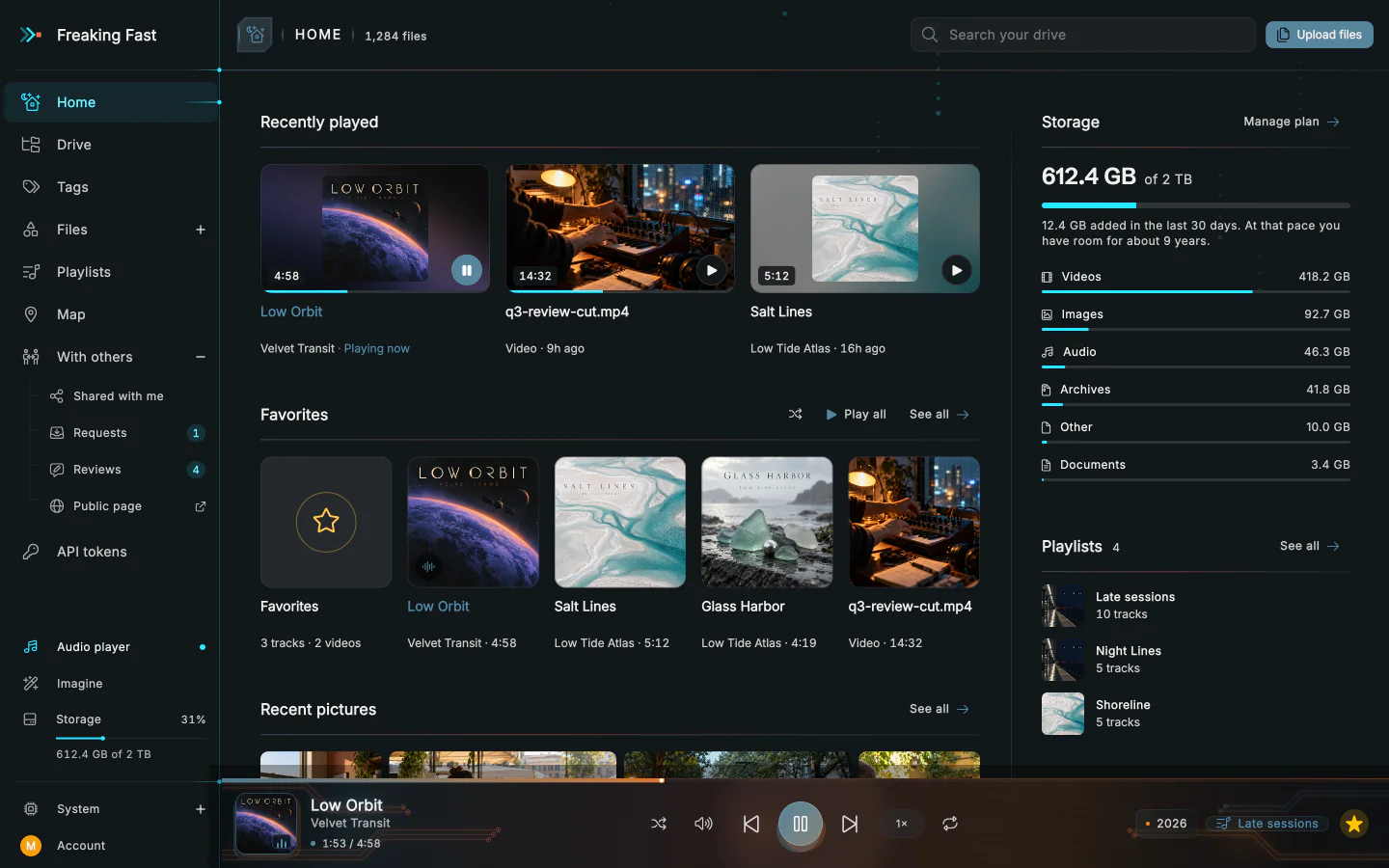
It settles in like any other app.
It sits in your launcher, answers to a command in your terminal, and says when there's a new version.
- Updates
The app tells you when there's a new version. Run the install command again to get it, or update with the rest of your system if it came from the AUR.
- Video and audio
They play through libmpv, which most desktops already have. If yours doesn't, the installer names the package to add. The AUR package brings it along.
- What it needs
A 64-bit Intel or AMD processor, and GTK 3, which nearly every Linux desktop already has.
- Where it lives
The app goes in
~/.local/share/fffd-app, thefffd-appcommand in~/.local/bin, and a launcher with your other apps. The AUR package puts it in/optinstead.To remove itrm -rf ~/.local/share/fffd-app ~/.local/bin/fffd-app ~/.local/ share/ applications/ io.freakingfast.app.desktop
Mac and Windows are next.
Until then, the drive runs in any browser, and the CLI installs on all three.